
Tap to pay with Visa
Fast, easy, secure
Fast, easy, secure
Contactless payments are protected by multiple layers of security and accepted by merchants across Canada.
No more fumbling with cash – for a fast and easy checkout, simply tap to pay where you see  .
.
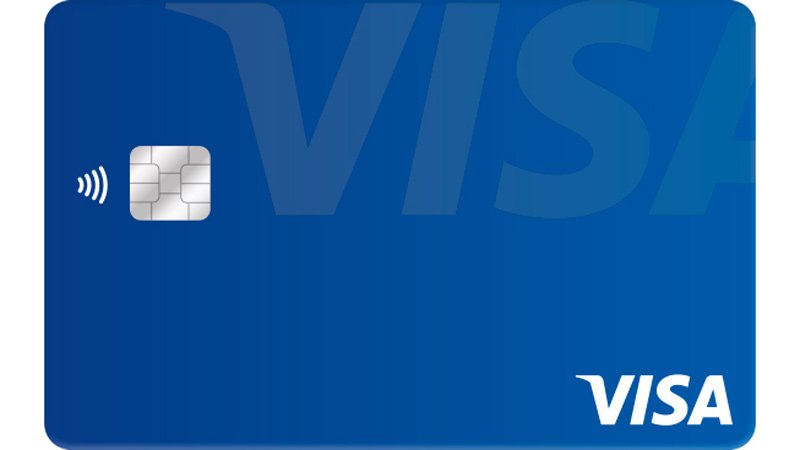
With your contactless Visa card
Look for the Contactless Indicator  on your Visa card to know your card can make contactless payments. Contactless Visa card purchases are easier than ever as more retailers accept contactless payments around the world.
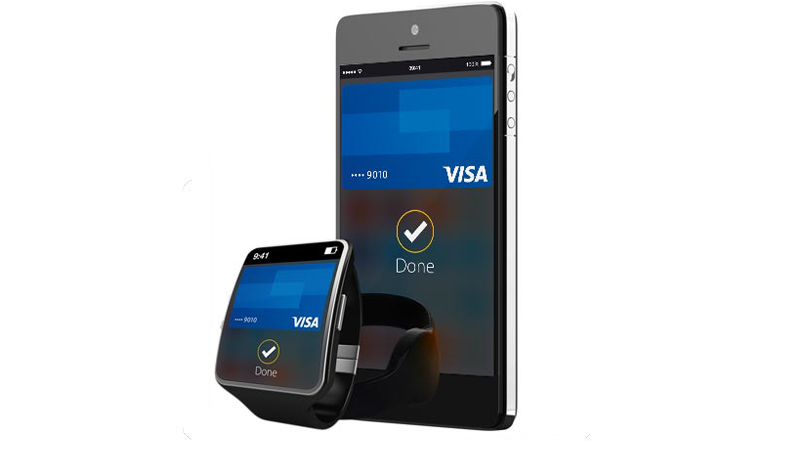
With your phone or other payment-enabled device
Make contactless payments effortlessly with a variety of payment-enabled devices – phones, smart watches, wristbands, fobs, and stickers.
Where to tap to pay with Visa
Where to tap to pay with Visa

You can tap to pay with your contactless Visa card or payment-enabled device where you see the Contactless Symbol . Start experiencing the speed, simplicity, and security of contactless payments today at merchants that accept contactless payments, including fast food restaurants, grocery stores, pharmacies, and more.
FAQ
FAQ
What are contactless payments?
Contactless payments use short-range wireless technology to securely complete payments between a contactless card or payment-enabled device and a contactless-enabled checkout terminal. A contactless Visa card is a chip card that has a near-field communication (NFC) antenna which enables close-range payments. When you tap your contactless Visa card or payment-enabled device at the contactless-enabled checkout terminal (near the Contactless Symbol
), your payment is sent for authorization.What does the
and mean?When shown on a card, the EMVCo Contactless Indicator*
means the card has the capability to make contactless payments.When shown at a merchant, the Contactless Indicator
means a merchant accepts contactless payments.The EMVCo Contactless Symbol*
shows where to tap your contactless card or payment-enabled device on the checkout terminal to make a contactless payment.How do I know if my card is a contactless-enabled card?
Look for the Contactless Indicator
on your card to know if your card has the technology to make contactless payments.
How close does my card or device need to be to the contactless checkout terminal?
Your card or device must be within 1-2 inches of the Contactless Symbol
on the terminal.
Do I actually have to tap my card or device on the checkout terminal?
No. You do not have to actually tap the card or device on the checkout terminal; however, your card or device should be close (within 1-2 inches) to the Contactless Symbol
.How do I hold my card or device to the checkout terminal?
The terminal reads the antenna best when your contactless card or payment-enabled device is flat over the Contactless Symbol,
versus at an angle.When exactly do I tap to pay?
Once you are prompted to pay (by the cashier, a light on the machine, etc.), simply tap your card or device to the terminal where you see the Contactless Symbol
.What are the benefits of contactless payments?
Contactless payments are fast and convenient to use in places where you need to pay on the go, such as fast food restaurants, grocery stores, convenience stores and more.
Contactless payments are secure because just like a chip card, each transaction is accompanied by a unique one-time code that encrypts your payment information.
Unlike with cash, you can keep better records of your purchases with your contactless Visa card or payment-enabled device. You can still do everything you would do with another Visa card, including adding a tip, getting cash back (where available), and more.
How does this technology compare to mobile wallets, like Apple Pay?
Contactless Visa card payments use the same NFC (Near Field Communication) technology as mobile wallets such as Apple Pay, Samsung Pay and Android Pay.
What do I do if I can’t complete my payWave transaction?
First, make sure that the merchant accepts payWave - you should see the payWave symbol on the payment terminal. If the merchant accepts Visa payWave and the transaction still fails, you can still make a purchase using standard, contact processing.
How long do I need to hold my card or device to the checkout terminal?
You should hold your card or device to the terminal for 1-2 seconds.
Where can I pay with my contactless Visa card or payment-enabled device?
You can tap to pay where you see the Contactless Symbol
at checkout. Millions of merchants around the world accept contactless payments, including fast food restaurants, grocery stores, pharmacies, and more.Can I use my contactless Visa card even if I don't see the Contactless Symbol?
Yes. Contactless payments are accepted at contactless checkout terminals displaying the Contactless Symbol
. If you don’t see the Contactless Symbol, you can still use your contactless card at a magnetic stripe terminal by swiping your card, or at an EMV chip terminal by inserting your card.Can I use my contactless Visa card outside Canada?
Yes. You can use your contactless Visa card at millions of merchants around the world that accept contactless payments by tapping it at a contactless checkout terminal where you see the Contactless Symbol
, inserting it into an EMV chip terminal, or swiping it at a magnetic stripe terminal. In fact, many countries have already adopted contactless payments: for example, in Australia, the UK, and France, over half of retailers currently accept contactless payments.Are contactless payments safe?
Yes. Your contactless Visa card or payment-enabled device is safe for a number of reasons:
- Just like with a chip card, each transaction is accompanied by a unique one-time code that securely encrypts your payment information.
- Contactless payments are based on international EMV chip security standards and the most advanced and widely adopted cryptographic security.
- You can’t pay accidentally – your card or device must be within 1-2 inches of the terminal for the transaction to occur (and you won’t be billed twice, even if you accidentally tap twice).
What information is transmitted from my contactless Visa card during payment?
The card transmits information including the account number, expiration date, and a unique one-time code that changes for every in-person transaction and encrypts your payment information. The unique code is different than the one encoded on the magnetic stripe of a Visa card.
I heard people can “skim” information off my contactless Visa card. What does that mean?
For every contactless Visa transaction, a unique, one-time code is used to verify the payment. This code changes every time you pay. In the unlikely event of compromised data, this one-time code will allow the bank or credit union that issued you the card to identify those transactions as fraudulent. A criminal would get less useable data from “skimming” your card than when you hand it to a sales clerk or restaurant waiter.
Can I unknowingly make a purchase if I am in close proximity to a contactless payment terminal?
No. Contactless Visa technology requires the merchant to first initiate the payment, and the contactless card or payment-enabled device must be held in close proximity (1-2 inches) to the terminal for a transaction to take place.
Can I be charged twice if I have more than one contactless card?
No. Contactless terminals will only communicate with one card at a time. If you have more than one contactless card in your wallet, you should tap the individual card you want to use, rather than tap your whole wallet.
What do I do if my Visa card has been lost or stolen?
If your card is lost or stolen, or you believe there has been unauthorised activity on your account, contact your issuing bank or credit union immediately. If you don’t have that contact information readily available, contact Visa and we will be able to assist you.
*The Contactless Symbol and Contactless Indicator are trademarks owned by and used with permission of EMVCo, LLC