
VISA and Garmin Pay: Contactless Payment with Garmin Watches in Ukraine
VISA and Garmin Pay: Contactless Payment with Garmin Watches in Ukraine
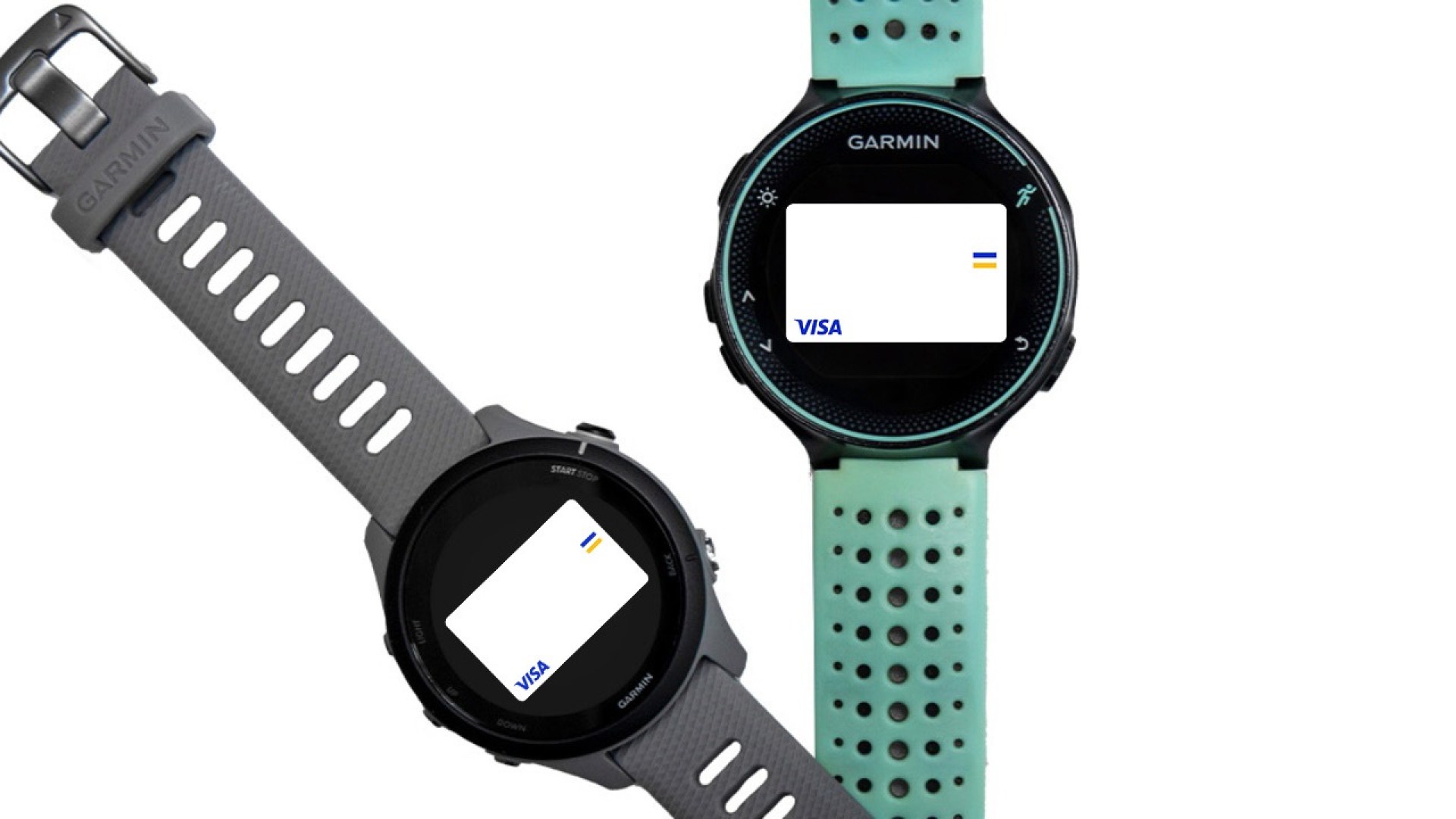
Owners of Garmin sports watches with Garmin Pay functionality will now be able to make contactless payments for goods and services, enjoying all the benefits of VISA cards.
Easy to connect
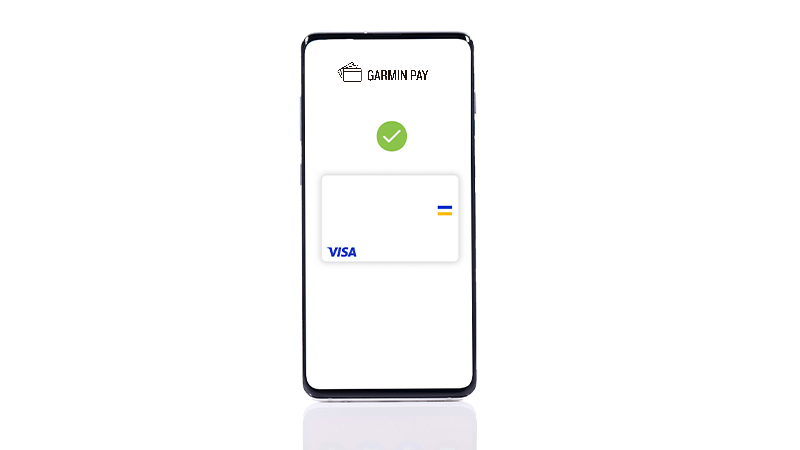
You can link your Visa card to Garmin Pay in a few steps.

Easy payments
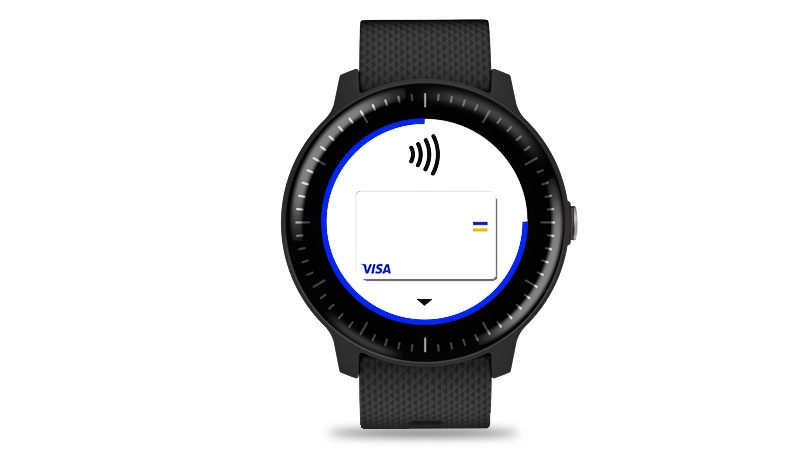
There's no need to take your wallet or smartphone with you. Your watch is enough to pay contactless for goods and services and take advantage of your Visa cards.
Secure payments
Visa's security system replaces your card information with a unique set of numbers (a token). So you can pay for purchases without worrying that your card information will end up in the hands of criminals.
How to connect Garmin Pay?
How to connect Garmin Pay?
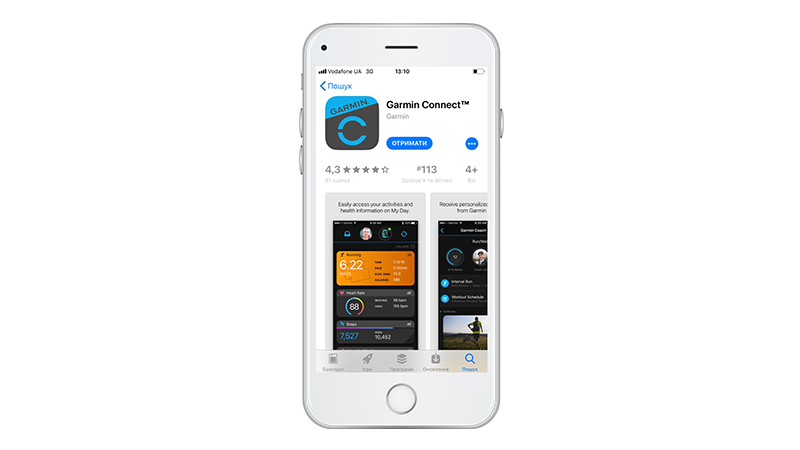
- Download the Garmin Connect app on your smartphone.
- Open the app, go to the Garmin Devices section, and find your watch.
- Click on Garmin Pay.
- Follow the instructions for connecting your Visa card.
How to pay with Garmin Pay?
How to pay with Garmin Pay?
- Go to the menu on your Garmin watch.
- Click on the wallet icon.
- When connecting a Visa card, enter the password that you set previously (only for the first payment during the day).
- Hold the watch near the terminal in the store. Please note that the terminal must support contactless payment.
Garmin Pay contactless payments can be used by owners of smartphones not based on iOS and Android operating systems.
Garmin Pay was created for active people who are in constant motion. For those who save their time and are used to live comfortably.
Which stores accept Garmin Pay?
Which stores accept Garmin Pay?
Garmin Pay works wherever contactless payments are accepted. Look for any of these signs  near a cash register or on a terminal. You can already use Garmin Pay in many stores or applications.
Participating banks
Participating banks
Visa cards issued by the following banks can be used with Garmin Pay: