
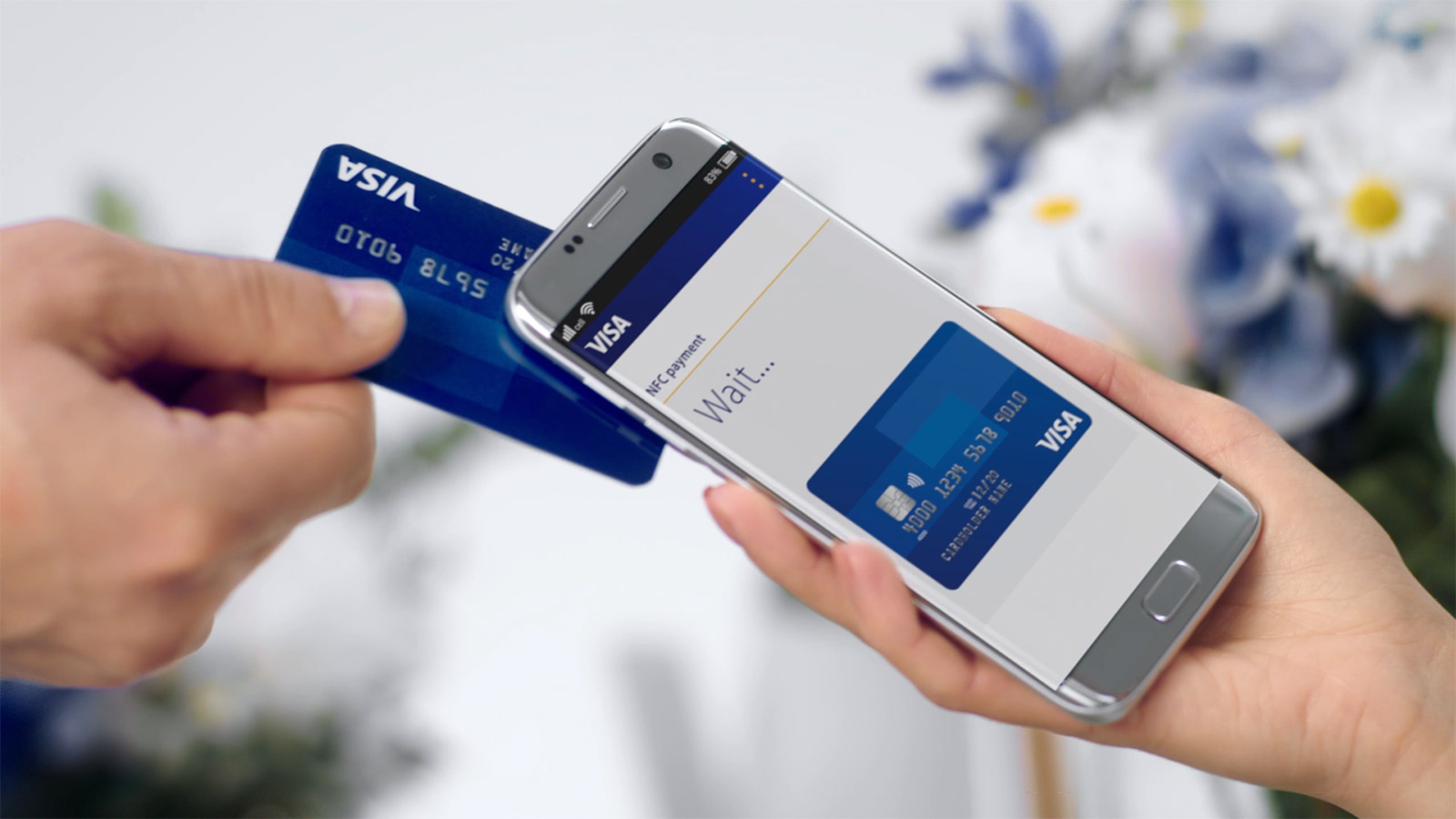
Tap to Phone converts a regular smartphone into a payment terminal!
Tap to Phone converts a regular smartphone into a payment terminal!
How does it work?
How does it work?
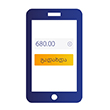 | The seller indicates the transaction amount in the app |
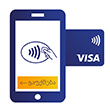 | Tap the seller’s smartphone with your card or device |
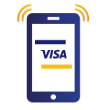 | Payment successful! |
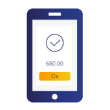 | The seller can send you an e-receipt via email or text message |
How to pay for purchases using Tap to Phone:
How to pay for purchases using Tap to Phone:
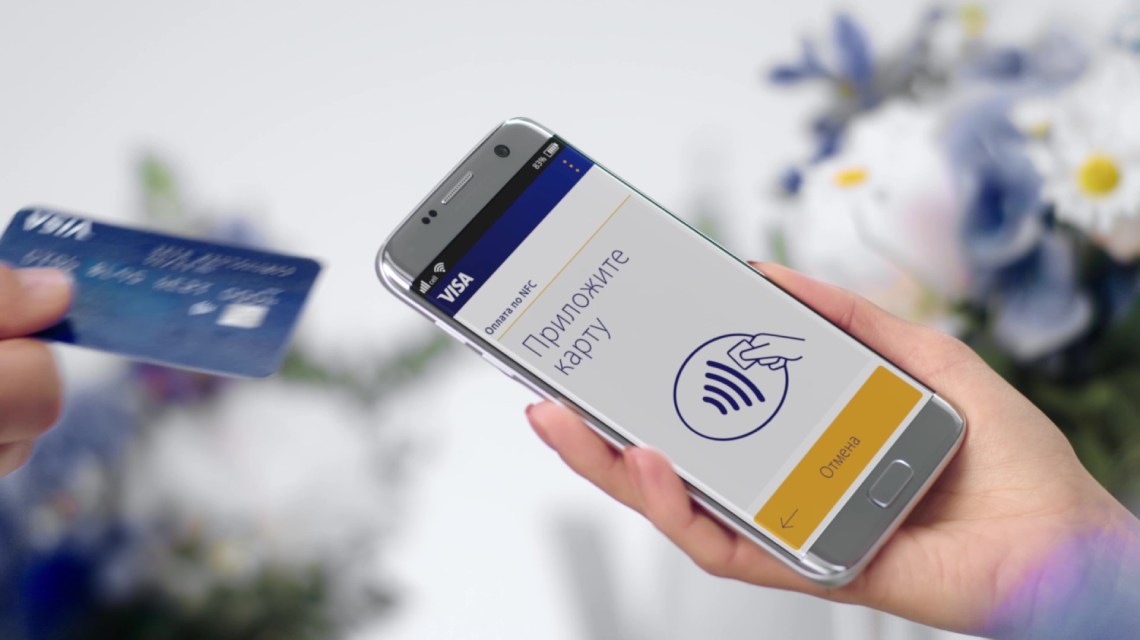
Contactless payments are:
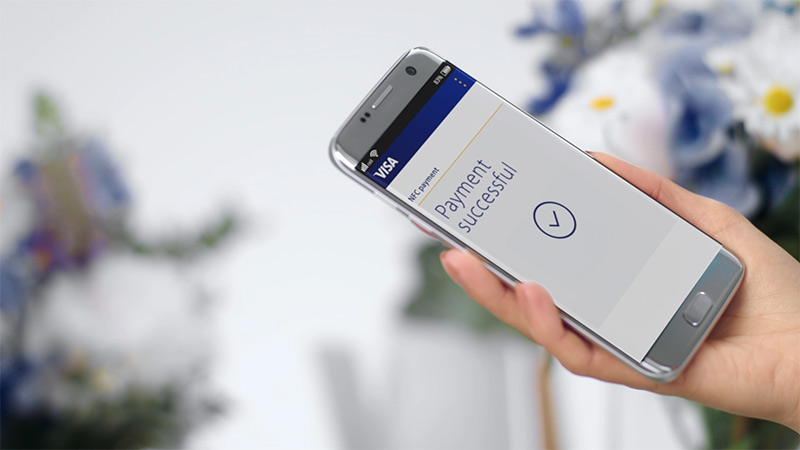
- Safe. Contactless payment allows you to keep your card or gadget in your hands. Tap to Phone payment technology has the same transaction security level as regular POS-terminal payments.
- Convenient. No more need to look for cash, wait for change, or sign a cheque.
- Fast. Contactless payment takes just a few moments.
FAQ
FAQ
Is it safe to tap your payment card/gadget to the seller's smartphone? Does such contactless payment guarantee my data security?
Contactless transactions conducted using a smartphone as a terminal are as safe as transactions conducted using regular POS-terminals in large chain stores.
Payment data are transmitted via the same secure payment network that encrypts your card details and protects every transaction. The seller does not have access to your card details.
Do I get charged for using this contactless technology?
No. As a buyer, you are not charged any fee for purchasing goods or services.
Can my card or device with the installed contactless technology be accidentally read in my purse or pocket?
To authorise your payment, you must bring your card, smartphone, watch, or sticker to a reading device that accepts contactless payments 3–4 cm close. Also, to conduct a transaction, you must place your card, smartphone, or watch correctly. Only reading devices at authorised selling points can process contactless Visa card details.
What should I do if a contactless transaction fails?
First of all, make sure that the selling point accepts contactless Visa payments via Tap to Phone. The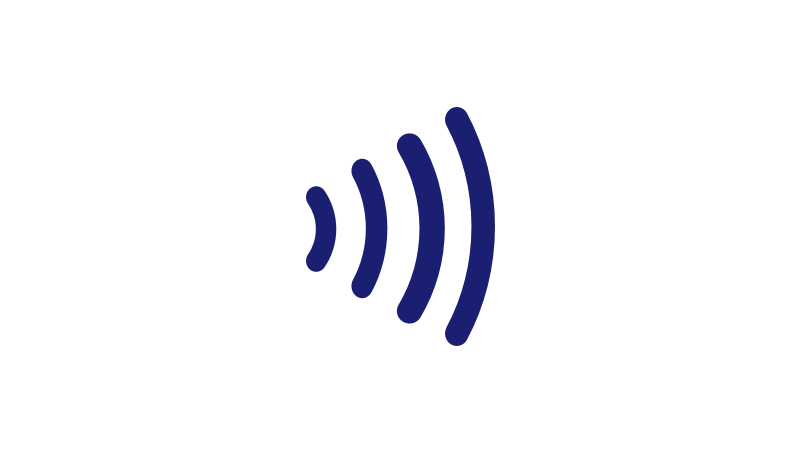 symbol will indicate that. If you tried to pay by tapping your smartphone or watch, but the transaction was unsuccessful, try to pay using your physical card.