
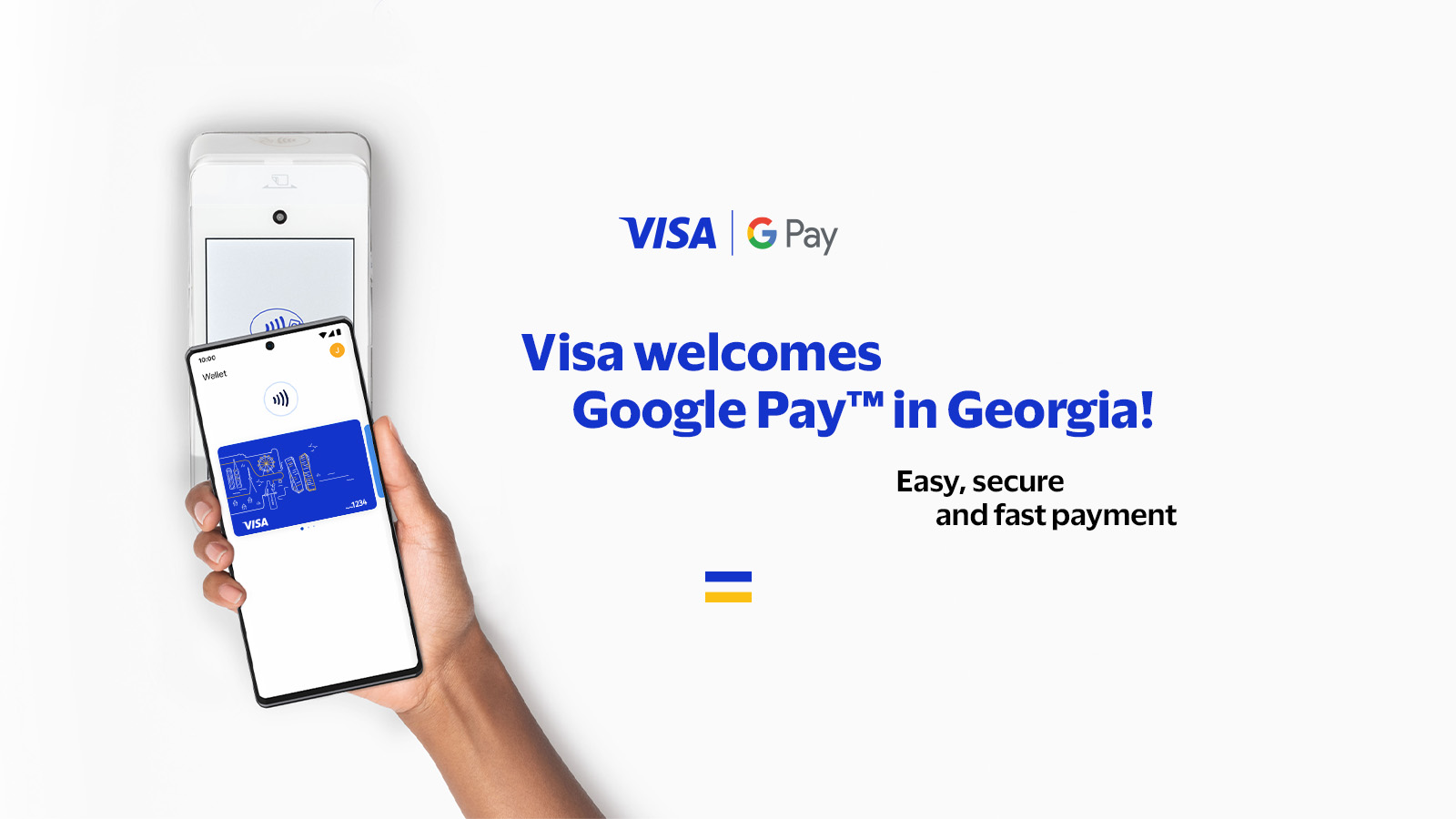
Google Pay
General information
General information
Pay the way it is convenient for you with Google Pay™
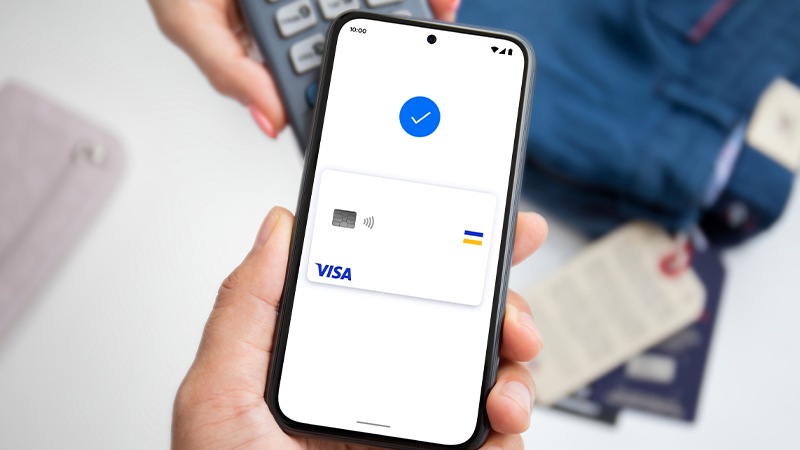
Google Pay – is a quick and easy way to pay with your Visa card in stores and in the app. You will continue to enjoy all the benefits and security of Visa cards.
Google Pay with Visa tokenizaion service is compatible with all Android devices that support payment terminals emulation.
Safety, benefits and protection
Safety, benefits and protection
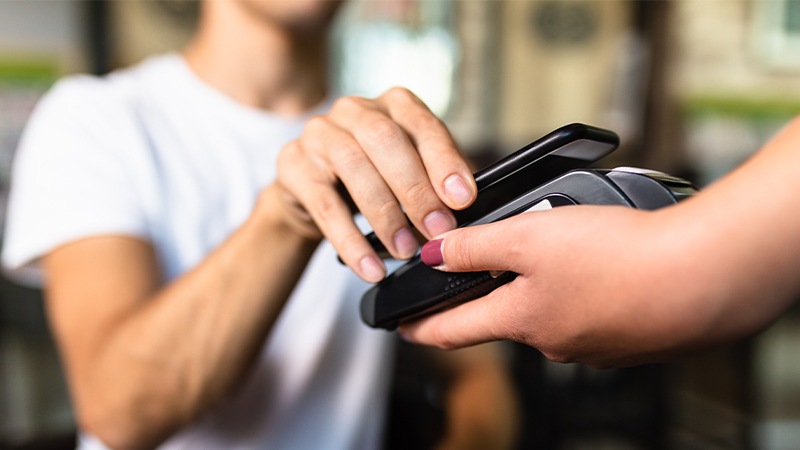
Pay in stores safely
When you use your phone to pay in stores with your Visa card and Google Pay, we don’t send your actual card number for payment. Instead a virtual account number is used. This ensures the security of your real account data.

Calmness
If your phone is lost or stolen, you can always lock it and wipe data from it using Find My Device.

Benefits and protection to which you are entitled
Using your Visa card with Google Pay you will continue to enjoy all the benefits, privileges and protection it provides.
How it works
How it works
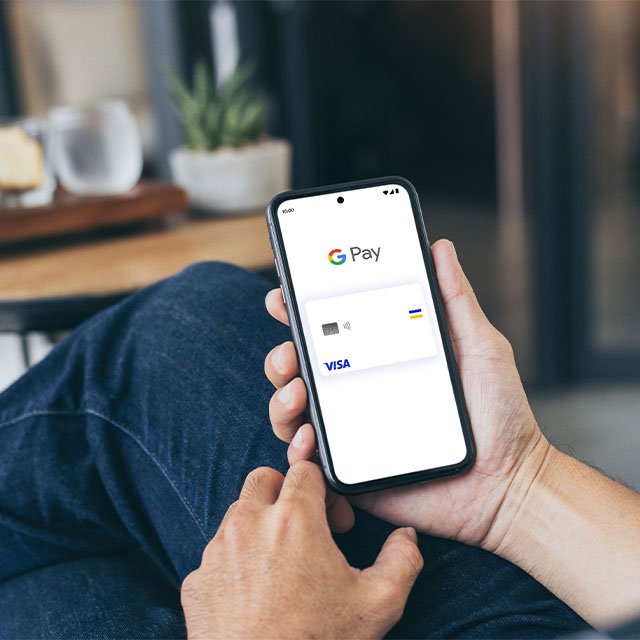
Install the app or go to the website
Open the Google Pay app or go to pay.google.com
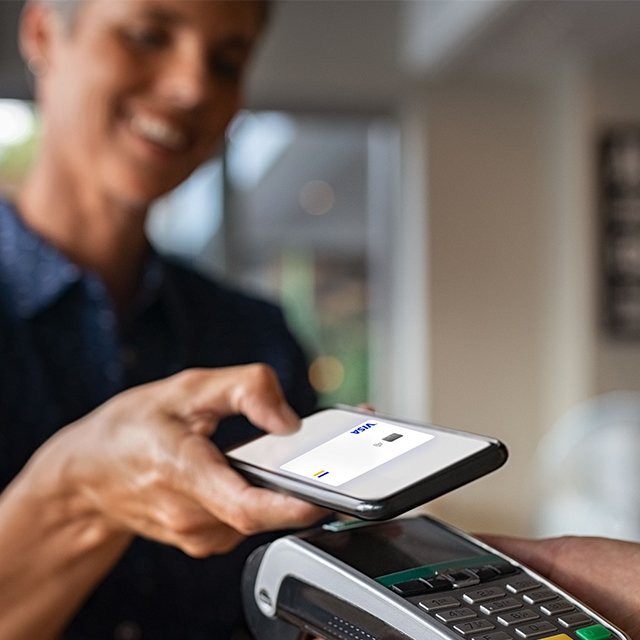
Add your Visa card
Take a picture of your card from the Google Pay app or enter your card details.
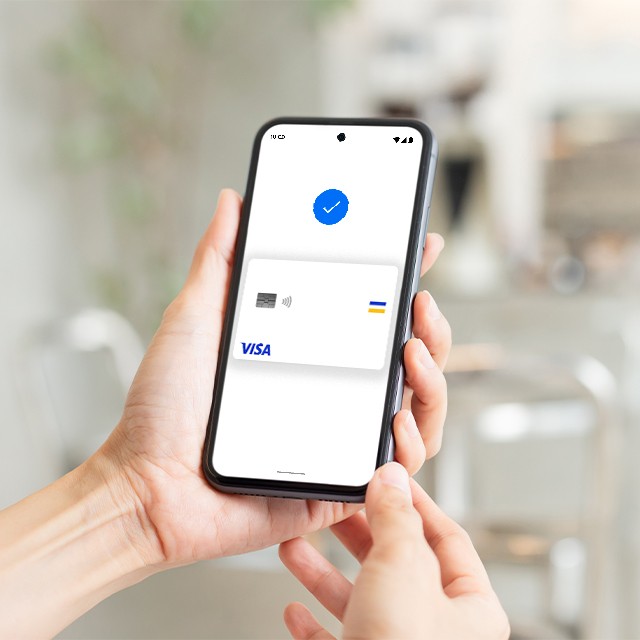
Make a purchase
Pay faster in stores and apps
Partner banks
Partner banks









Q&A
Q&A
What is Google Pay?
Google Pay is the new name and interface for Google’s excisting payment products.
Why Google Pay? What happened to Android Pay?
Google Pay is the new name and interface for Google’s excisting payment products. With Google Pay you can pay for purchases in retail stores and online just like you do today with Android Pay.
Where can I use Google Pay?
You can already use Google Pay in mobile apps and on websites where you see the service logo. In the nearest future you will be able to use Google Pay in retail stores and when paying for Google products such as YouTube, Play Store, Google Store, Google Photos and others.
How to update Android Pay to Google Pay?
Excisting Android Pay users don’t need to do anything – your app will automatically update the product name in the nearest future. If your are not an Android Pay user, you can download the Android Pay application now to pay for purchases quickly and easily – the app will be updated when the Google Pay service becomes available.
Where can I learn more about Google Pay?
You can visit the Google Blog https://blog.google/topics/shopping-payments/, to stay updated or the users help center at support.google.com/androidpay.