

Visa with Apple Pay: a simple, secure way to pay
Visa with Apple Pay: a simple, secure way to pay
Learn how to start using your Visa card on Apple Pay today.
Apple Pay
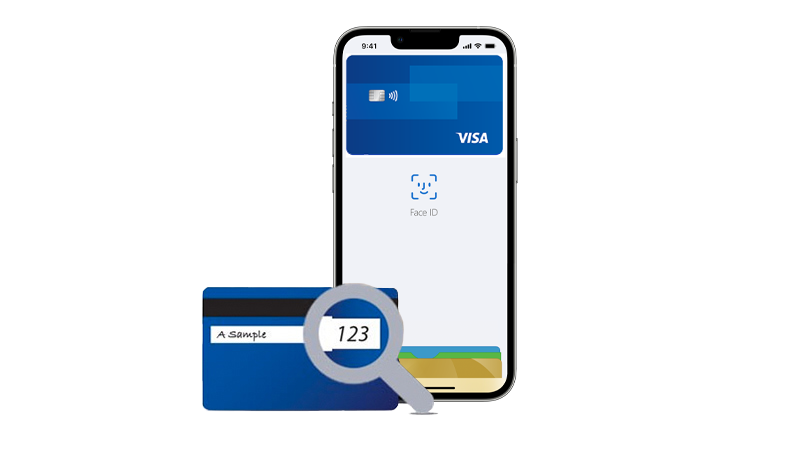
Easy to connect
You can link your Visa card to Apple Pay in a few steps.
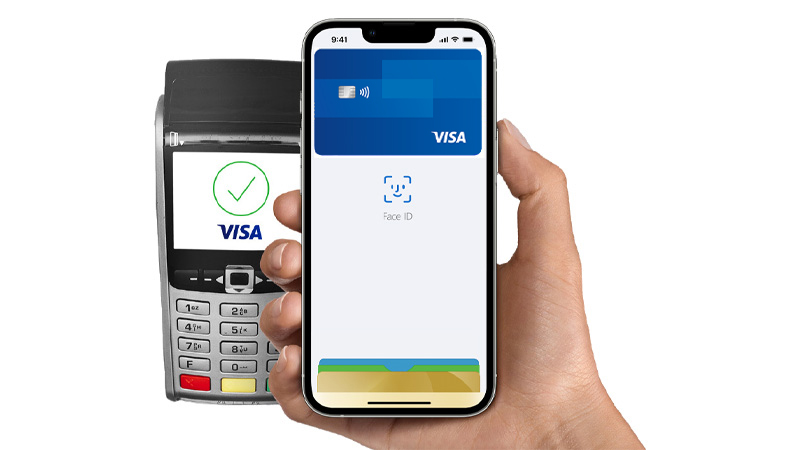
Easy payments
Apple Pay works wherever contactless payments are accepted.
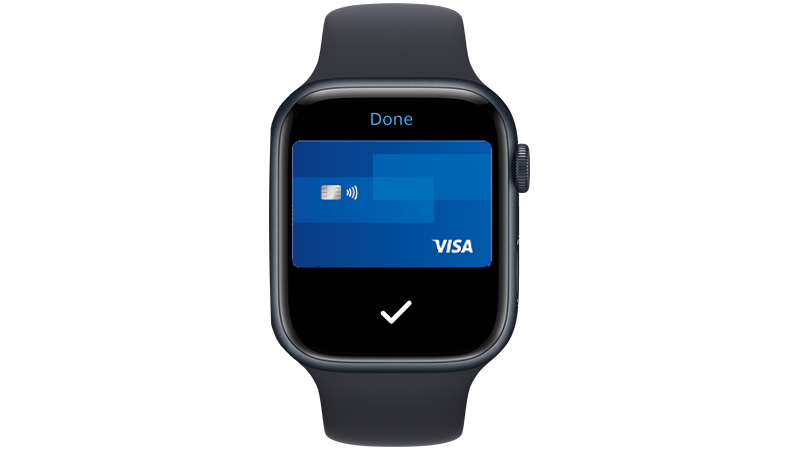
Secure payments
Visa's security system replaces your card information with a unique set of numbers (a token). So you can pay for purchases without worrying that your card information will end up in the hands of criminals.
How to connect Apple Pay?
How to connect Apple Pay?
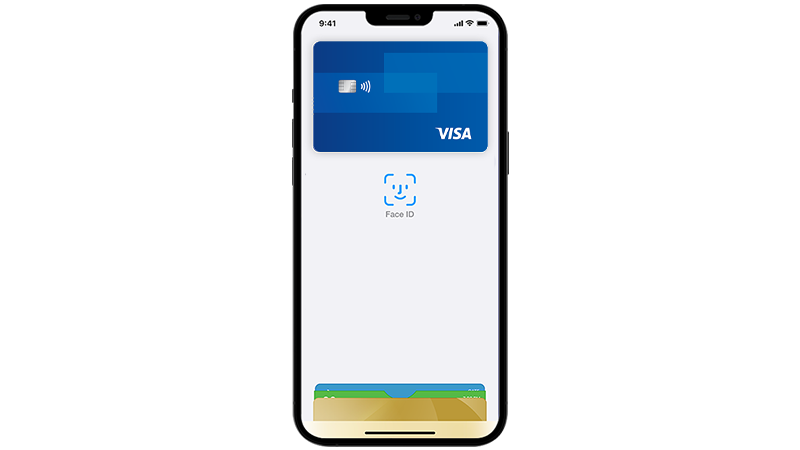
iPhone
- Open the Wallet app.
- Tap “+” sign at the top right corner.
- If your Visa card is already connected to your iTunes account, just enter the security code when you enroll in Apple Pay.
- To add a new Visa card to your iPhone, open the Wallet app and tap the plus sign. Use the camera to capture and enter the card information.
Apple Watch
- Open the Apple Watch app.
- Select 'Wallet & Apple Pay' and then tap 'Add Credit or Debit Card and follow the onscreen instruction.
- If your Visa card is already connected to your iTunes account, just enter the security code when you enroll in Apple Pay.
- To add a new Visa card to your iPhone, open the Wallet app and tap the plus sign. Use the camera to capture and enter the card information.
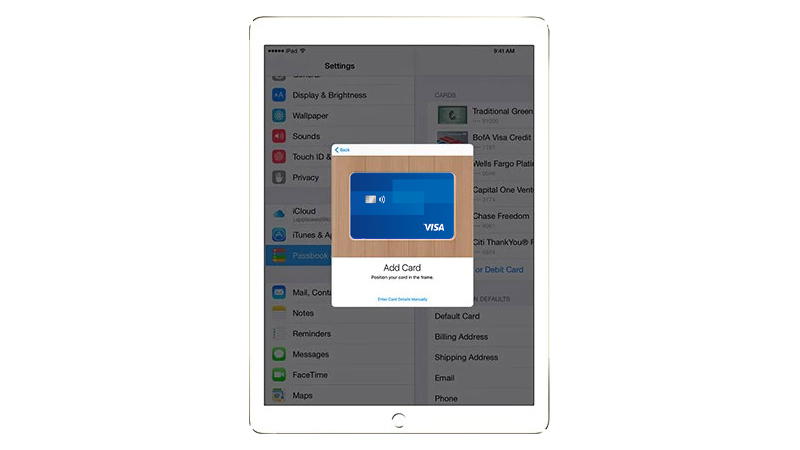
iPad
- Go to Settings.
- Select 'Wallet & Apple Pay' and then tap 'Add Credit or Debit Card and follow the onscreen instruction.
- If your Visa card is already connected to your iTunes account, just enter the security code when you enroll in Apple Pay.
- To add a new Visa card to your iPhone, open the Wallet app and tap the plus sign. Use the camera to capture and enter the card information.
How to pay with Apple Pay?
How to pay with Apple Pay?
iPhone and iPad
In shops
- To pay in stores, it is not necessary to wake iPhone from sleep mode or open any application. Just hold your iPhone to the terminal with your finger on the Touch ID.
- After payment you will see “Done” on the screen, feel a slight vibration and hear a beep. This means that information about your payment has been sent.
In apps
When placing an order, select Apple Pay as the payment method and attach your finger to the Touch ID.
Apple Watch
In shops
- Double-click the side button and turn the Apple Watch display toward the terminal.
- Apple Watch alerts you when payment information is sent
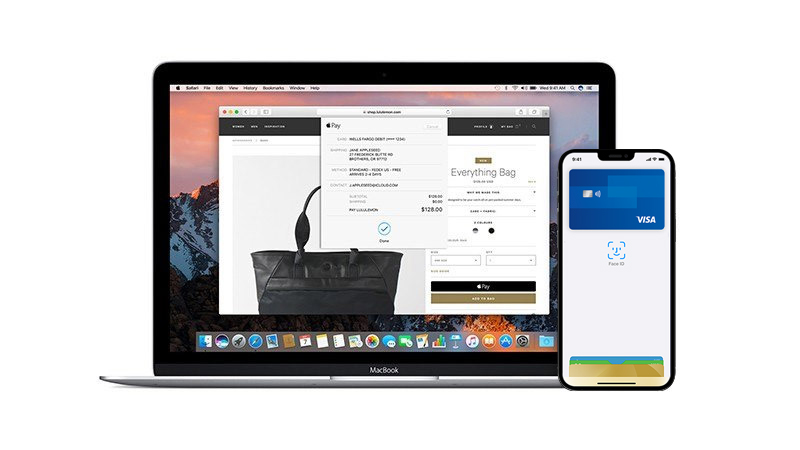
Mac
In apps:
To pay for your purchase using Safari on Mac, select Apple Pay, and then complete your purchase on your iPhone or Apple Watch..
Which stores accept Apple Pay?
Which stores accept Apple Pay?
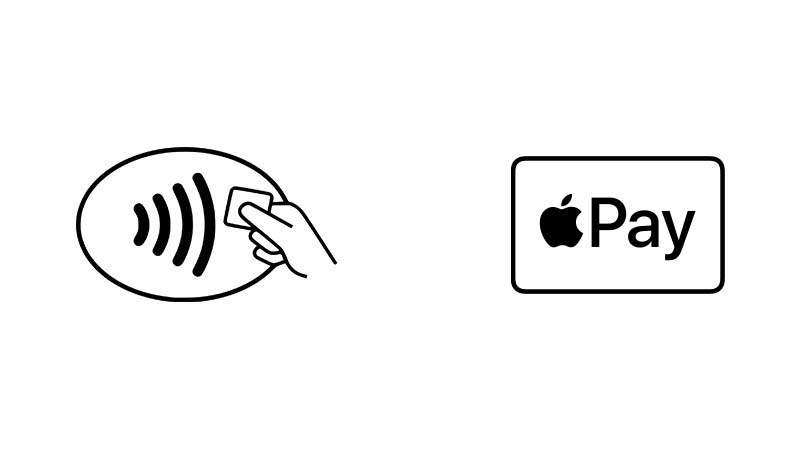
Apple Pay works wherever contactless payments are accepted. Look for any of these signs near a cash register or on a terminal.
You can already use Apple Pay in many stores or applications.
Participating banks
Participating banks
Visa cards issued by the following banks can be used with Apple Pay: