
Buy online the faster, easier way with Click to Pay
Buy online the faster, easier way with Click to Pay
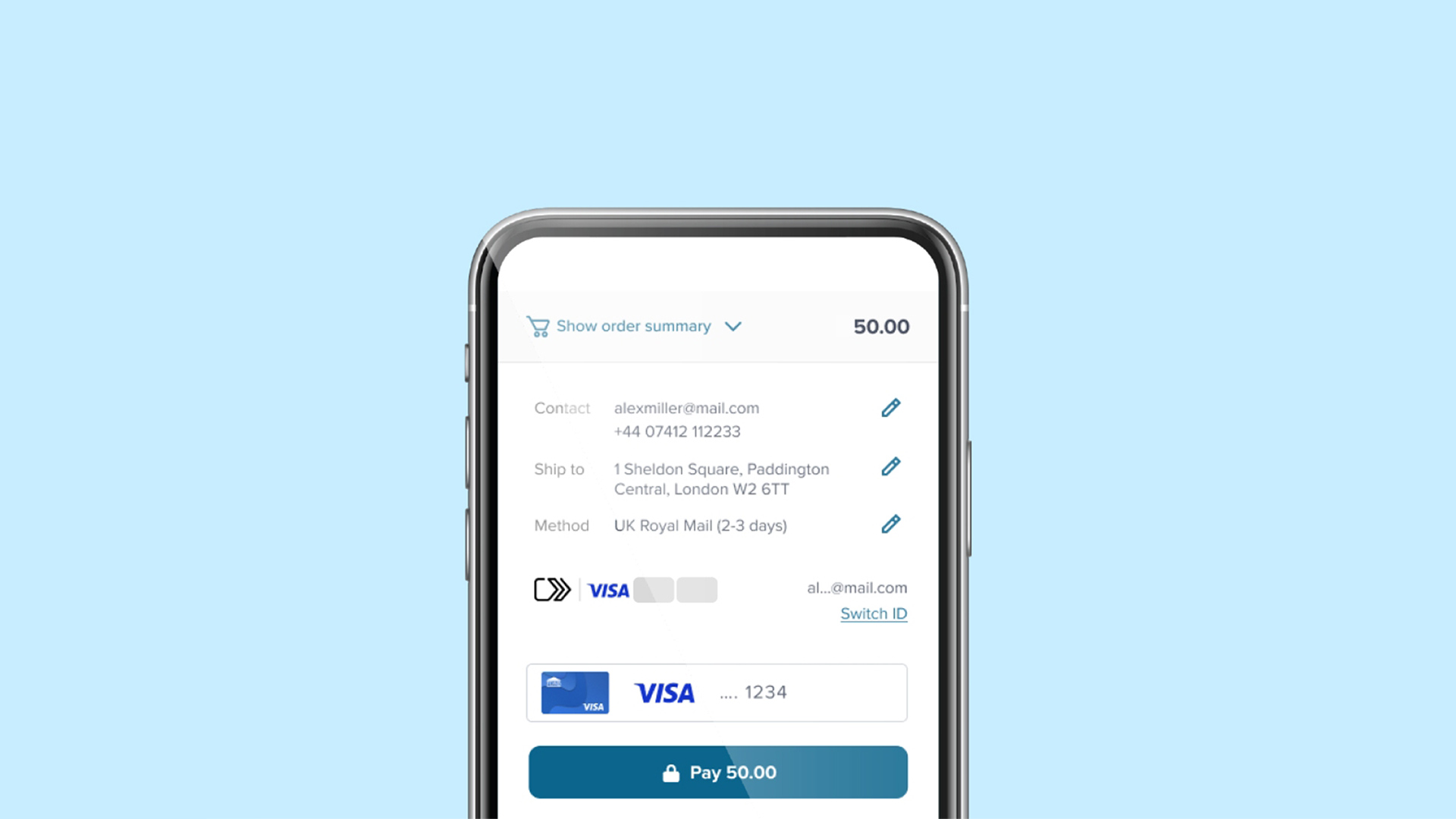
Click to Pay is like contactless, but online. There’s no need to enter card details at checkout while shopping online.¹
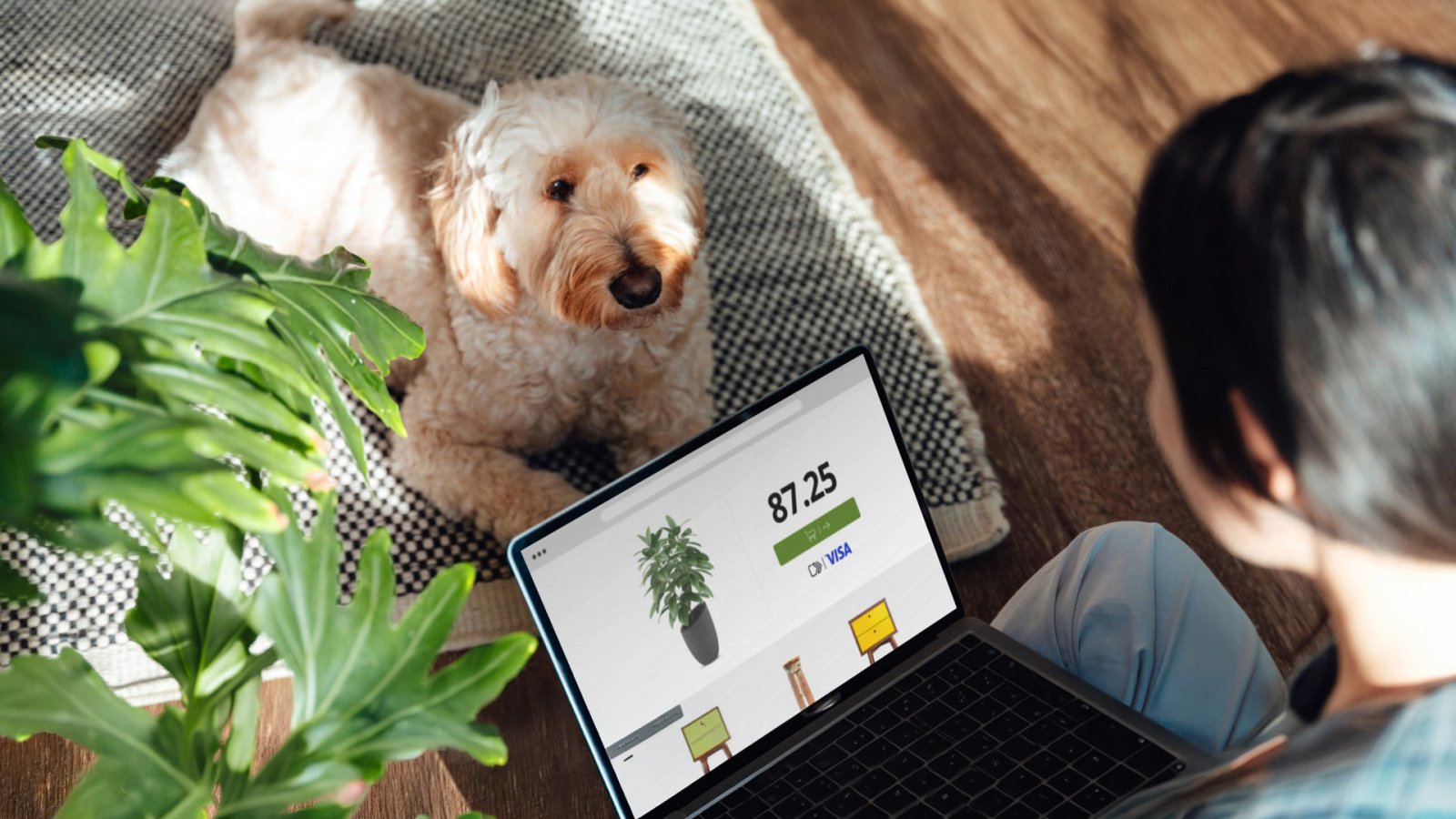
Skip the manual card entry at online checkout
Skip the manual card entry at online checkout
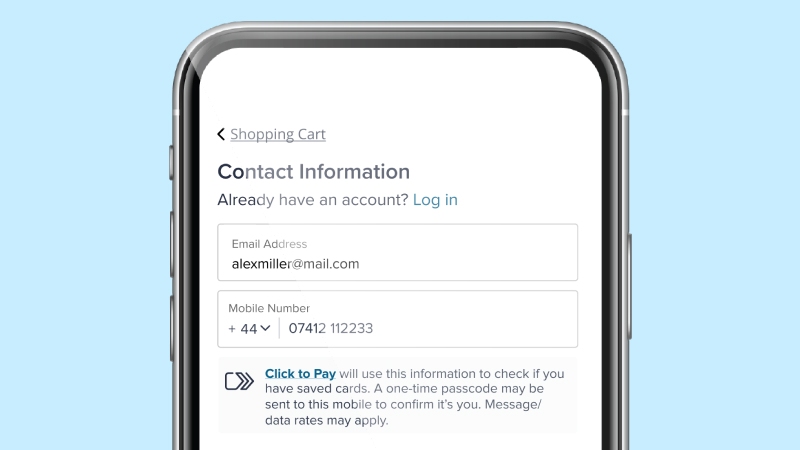
See the icon
You can shop online, buying anything as long as there’s a Click to Pay icon.³
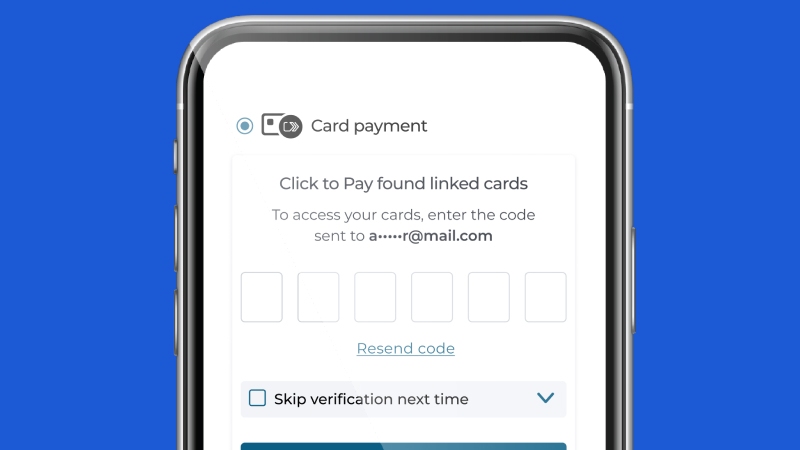
Verify it’s you
Provide your email address or mobile number at checkout to find your linked Click to Pay card(s).
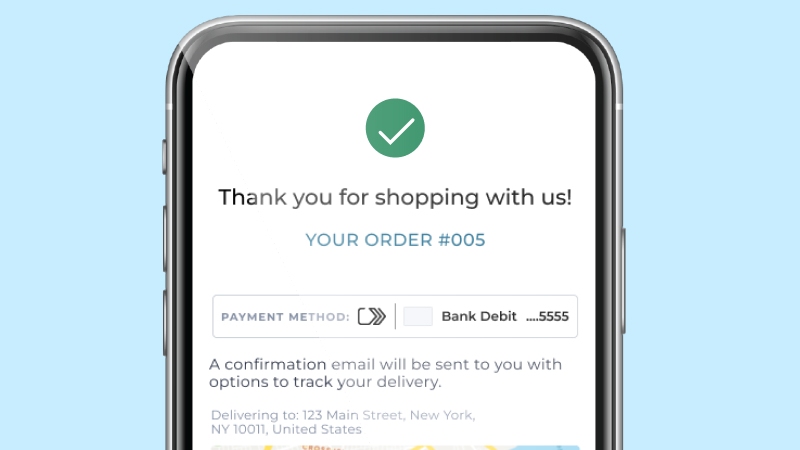
Complete your checkout
Click to Pay makes your online checkout a fast and easy experience, giving you peace of mind as you complete your purchase.
Say goodbye to online checkout frustrations
Say goodbye to online checkout frustrations
Accepted everywhere
Accepted everywhere


Checkouts made simple and easy
Checkouts made simple and easy
Enhanced security
Enhanced security

The future of digital commerce
The future of digital commerce
Click to Pay is the effortless way to pay. Watch how your online checkouts can become easy, simple and convenient.
Start using Click to Pay today
Start using Click to Pay today
Answers for the rest of your questions
Answers for the rest of your questions
What is Click to Pay?
Click to Pay is the new standard in online checkout. It is an easier, faster, more secure and better way to shop online. With Click to Pay, you won’t have to manually enter card details to checkout.
Here’s how it works for your enrolled cards:
- Look for the Click to Pay icon during checkout
- Enter your email address
- Confirm your identity
- Choose the card to use
- Complete the purchase, that’s it!
How can I sign up for Click to Pay?
You can enroll in Click to Pay through your participating bank, during checkout at a participating merchant or using Visa’s Click to Pay consumer portal.Where can I use Click to Pay?
Click to Pay is available at participating online merchants with more joining all the time. Look for the Click to Pay iconduring checkout.What card brands are available for Click to Pay?
In addition to your Visa cards, you can also conveniently save and use cards from Mastercard, Discover and American Express.How is my information used?
For more on how Visa collects, protects and shares your personal information, please see our Privacy Notice. Your bank will publish a relevant privacy notice if you enrolled in Click to Pay through your bank.How can I change or update my personal information such as phone number or email address?
Visit Visa’s Click to Pay consumer portal to make eligible changes. If your cards were enrolled by your bank on your behalf (usually indicated by the Click to Pay icon on your card), please contact them for further assistance.Why am I receiving a one-time passcode (OTP) on both my phone and email from Visa?
For security purposes, Visa may send a one-time code to you when you log into our consumer portal or when using Click to Pay during checkout. For easy access on your device the code may be sent to both your phone and email.How do I update my participation in Click to Pay?
If your bank offers Click to Pay directly to you as part of your account terms and conditions with them, (look for the Click to Pay icon on your card) relevant details may be updated directly by your bank. Otherwise, you can manage your participation in Click to Pay at any time by visiting Visa’s Click to Pay consumer portal to manage, update or delete your Click to Pay profile or saved cards.
- EMV® is a registered trademark in the U.S. and other countries and an unregistered trademark elsewhere. The EMV trademark is owned by EMVCo, LLC.
The Click to Pay icon, consisting of a double sequential right-pointing chevron, is a trademark owned by and used with permission of EMVCo, LLC. - Timing and availability of certain features vary by market.
- Visa Cardholders must be enrolled in Click to Pay or their card needs to be registered.
UX is for illustrative purposes only and may vary by merchant.