
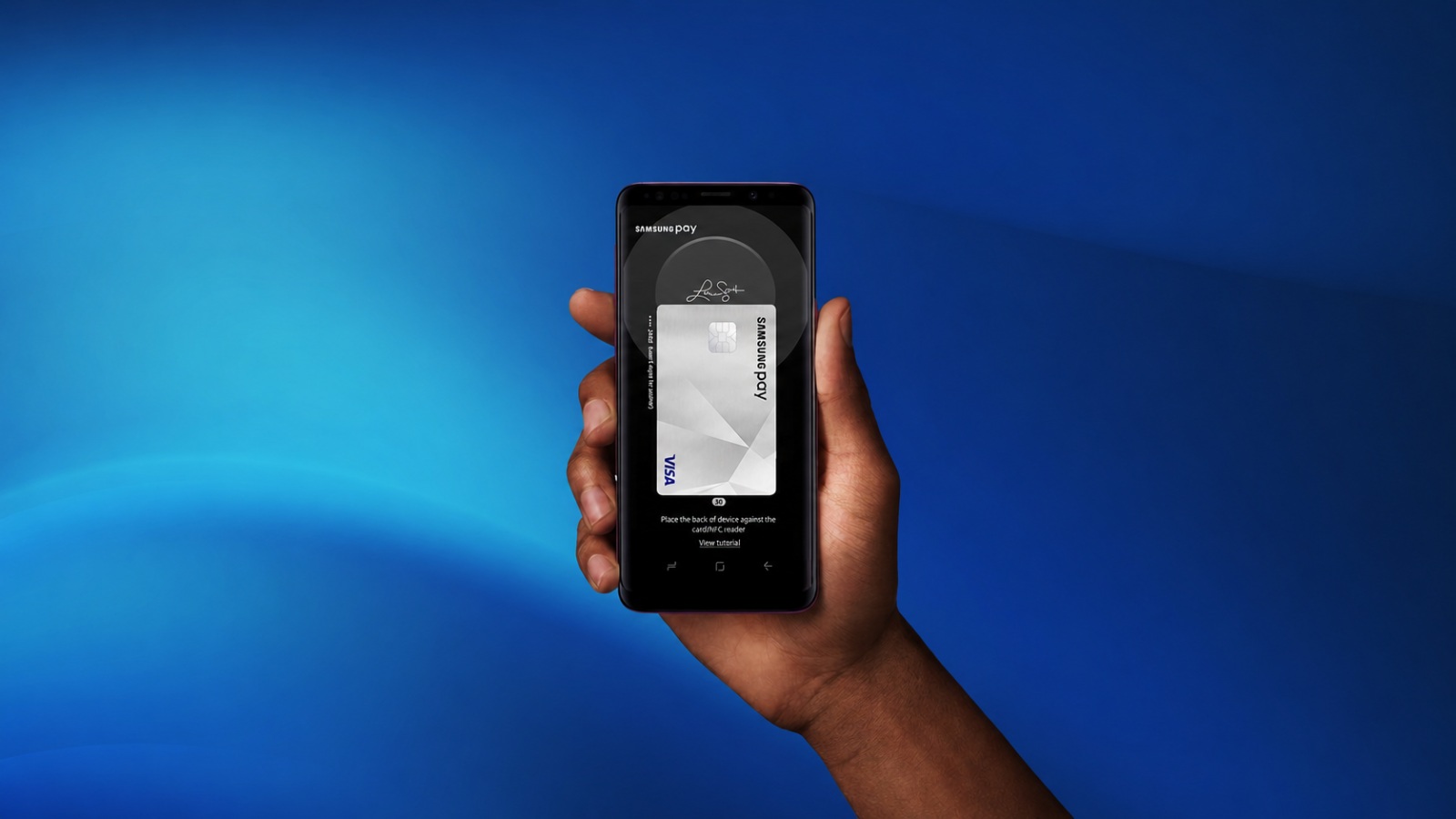
Samsung Pay with Visa Checkout
Samsung Pay with Visa Checkout
Start using Samsung Pay with Visa Checkout and breeze through your next purchases at hundreds of thousands of online merchants that accept Visa Checkout. Link your accounts in your Samsung Pay app today.
Samsung Pay
Samsung Pay
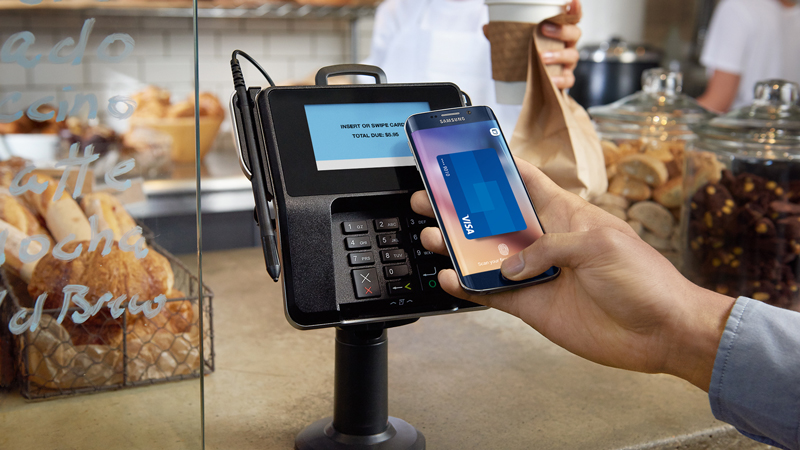
Introducing Samsung Pay, supported by Visa Token Service. The safe and simple way to make mobile payments virtually anywhere you can swipe your Visa card. From the grocery store to your favorite coffee shop and everywhere in between.
Only compatible with select cards and Samsung devices (Galaxy S7, Galaxy S7 edge, Galaxy S7 active, Galaxy S6, Galaxy S6 edge, Galaxy S6 edge+, Galaxy S6 active, Galaxy Note5).
Benefits of Samsung Pay
Benefits of Samsung Pay

Simple and intuitive
With Samsung Pay and your eligible Visa card, paying is as easy as pulling out your phone. Simply launch the app, hold your phone near the payment terminal, and authorize with the touch of a finger.

Best-in-class security
Each transaction uses a unique digital identifier instead of your card number, so your card details are never shared. Fingerprint or PIN authorization means you control when each payment is made.

Works virtually everywhere
Samsung’s proprietary technology works with existing card readers so you can make purchases virtually everywhere you can swipe your Visa card.
Only compatible with select cards and Samsung devices (Galaxy S7, Galaxy S7 edge, Galaxy S7 active, Galaxy S6, Galaxy S6 edge, Galaxy S6 edge+, Galaxy S6 active, Galaxy Note5).
How it works
How it works
Q + A
Q + A
How do I get Samsung Pay?
For the Galaxy S6, S6 edge, S6 edge+ and Note5, Samsung Pay will be automatically installed through a software update. Going forward, compatible phones in supported countries will have Samsung Pay preloaded when purchased.
Where does Samsung Pay work?
Samsung Pay works nearly anywhere you can swipe a Visa card, including the majority of U.S. retail locations. Currently, Samsung Pay does not work at gas station pumps, but it works at most gas station cashier card readers.
Which devices support Samsung Pay?
Samsung Pay works on the Galaxy S6, S6 edge, S6 edge+ and Note5, and will soon be available on select new devices. Please visit http://www. samsung.com/pay for a full list of compatible phones.
In which countries is Samsung Pay available?
Samsung Pay initially launched in the United States in 2015. Visa and Samsung are working to expand into additional countries.
Can I use Samsung Pay in foreign countries?
Please check your bank or financial institution’s policies for transactions in foreign countries.
How do I confirm the last four digits of my card if asked by a cashier?
As part of their standard security process at checkout, cashiers at some retailers may ask you to confirm the last four digits of your Visa card number. In this case, do not provide the numbers shown on your physical card or the card shown in Samsung Pay. Instead, tap on the Visa card being used in Samsung Pay and look for the “Digital Account Number” displayed above your transaction history. The four digits shown there are what you should provide to the cashier. The Digital Account Number will always be a different number from your physical card.
Can I use Samsung Pay in foreign countries?
Please check your bank or financial institution’s policies for transactions in foreign countries.
How do I confirm the last four digits of my card if asked by a cashier?
As part of their standard security process at checkout, cashiers at some retailers may ask you to confirm the last four digits of your Visa card number. In this case, do not provide the numbers shown on your physical card or the card shown in Samsung Pay. Instead, tap on the Visa card being used in Samsung Pay and look for the “Digital Account Number” displayed above your transaction history. The four digits shown there are what you should provide to the cashier. The Digital Account Number will always be a different number from your physical card.
How can I cancel a payment made using Samsung Pay?
Canceling a payment made through Samsung Pay works the same way it does when using your physical card. The exact process depends on the policies of your bank or financial institution.
How do I return a purchase if I used Samsung Pay to make the payment?
All purchases made through Samsung Pay can be returned according to the store’s policies. If you return an item paid for through Samsung Pay, the store may require you to hover your phone over the card reader to complete the return.
What should I do if I lose my original physical card and then receive a replacement card?
The cards on Samsung Pay are digital copies of your physical cards. If you lose your physical card and then receive a replacement card from your bank’ or financial institution, you should delete the original card from Samsung Pay and replace it with the information from your new physical card.
How can I add my Visa card?
Your Visa card can be easily added to Samsung Pay by using your phone’s camera to scan in your card’s information, or by manually inputting the card information yourself. Then, depending on your bank’s or financial institution’s policies, Samsung Pay will prompt you to verify your identity through a bank app, a text message, an email or a phone call.
Does Samsung Pay store my personal/payment information on a server or my phone?
No, Samsung Pay does not store your personal/payment information on a Samsung server or on your phone. Samsung Pay does not change the way your payment information is stored or handled when you make purchases. Your payment information will continue to be managed by your bank or financial institution. Only a transaction-specific token, which is used to replace your payment card number, is stored temporarily on your phone. It’s stored only as long as it takes to confirm a transaction.
How long will it take for my Visa card to activate after adding it to Samsung Pay?
The average amount of time it takes before your Visa card is fully active for use after being added and verified will vary slightly between issuers, but should not take more than a few minutes. If you encounter any issues, please contact your Visa card issuer for assistance. Do not try to enter the same card multiple times.